Infinite Sight-Reading Practice.
Engineered for Precision.
A one-time-purchase drill generator for musicians — real staff notation, correct fingering, no subscriptions. Try the engine below.
Get StaffForge — $40 LifetimeLove this drill? Export the MIDI.
Enter your email to join StaffForge updates — your file downloads instantly.
Prefer paper? Get the PDF.
Enter your email, then choose Save as PDF (or your printer) in the window that opens.
Inside the full app
Every key and mode, every rhythm, and the instrument you actually play.
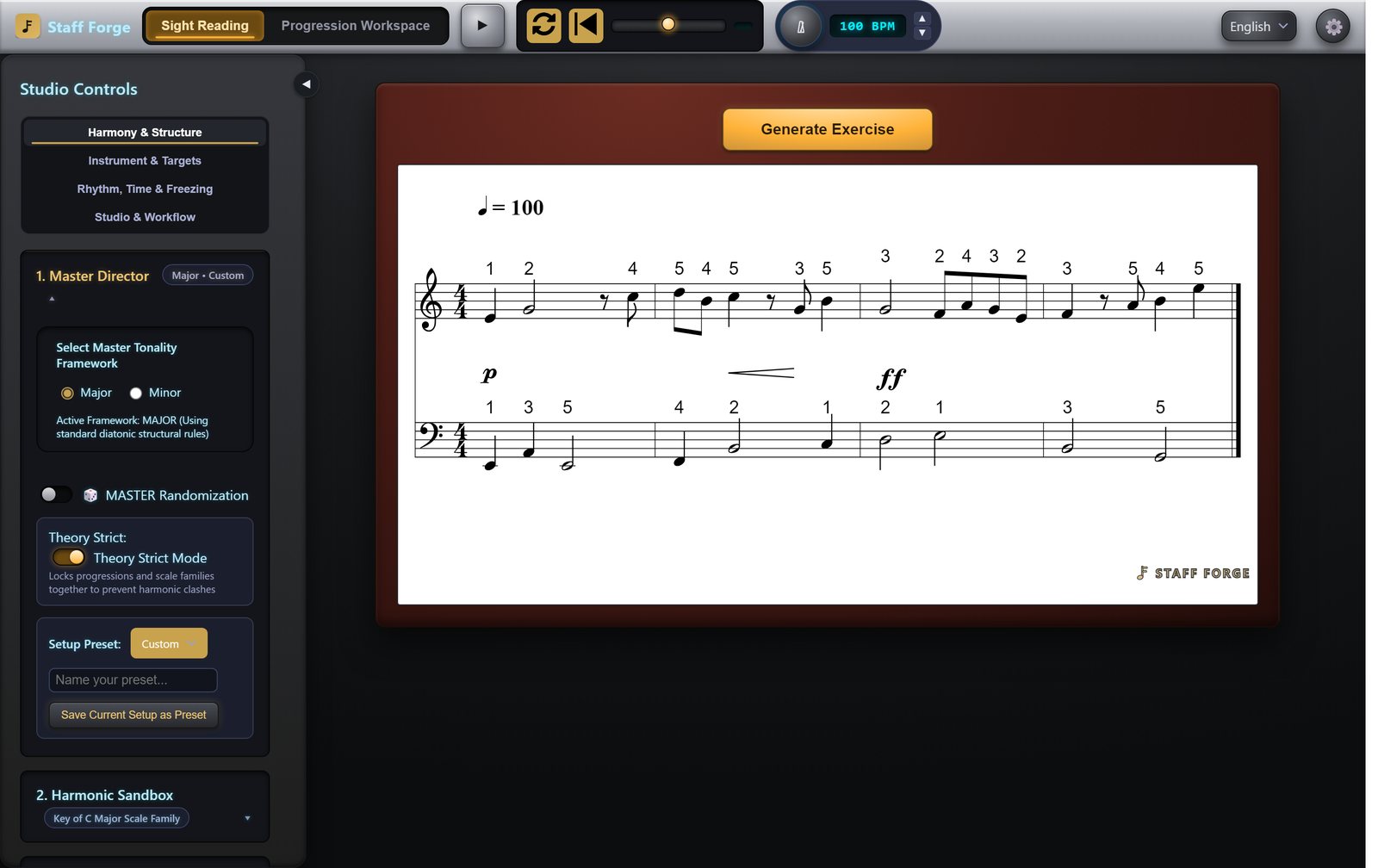
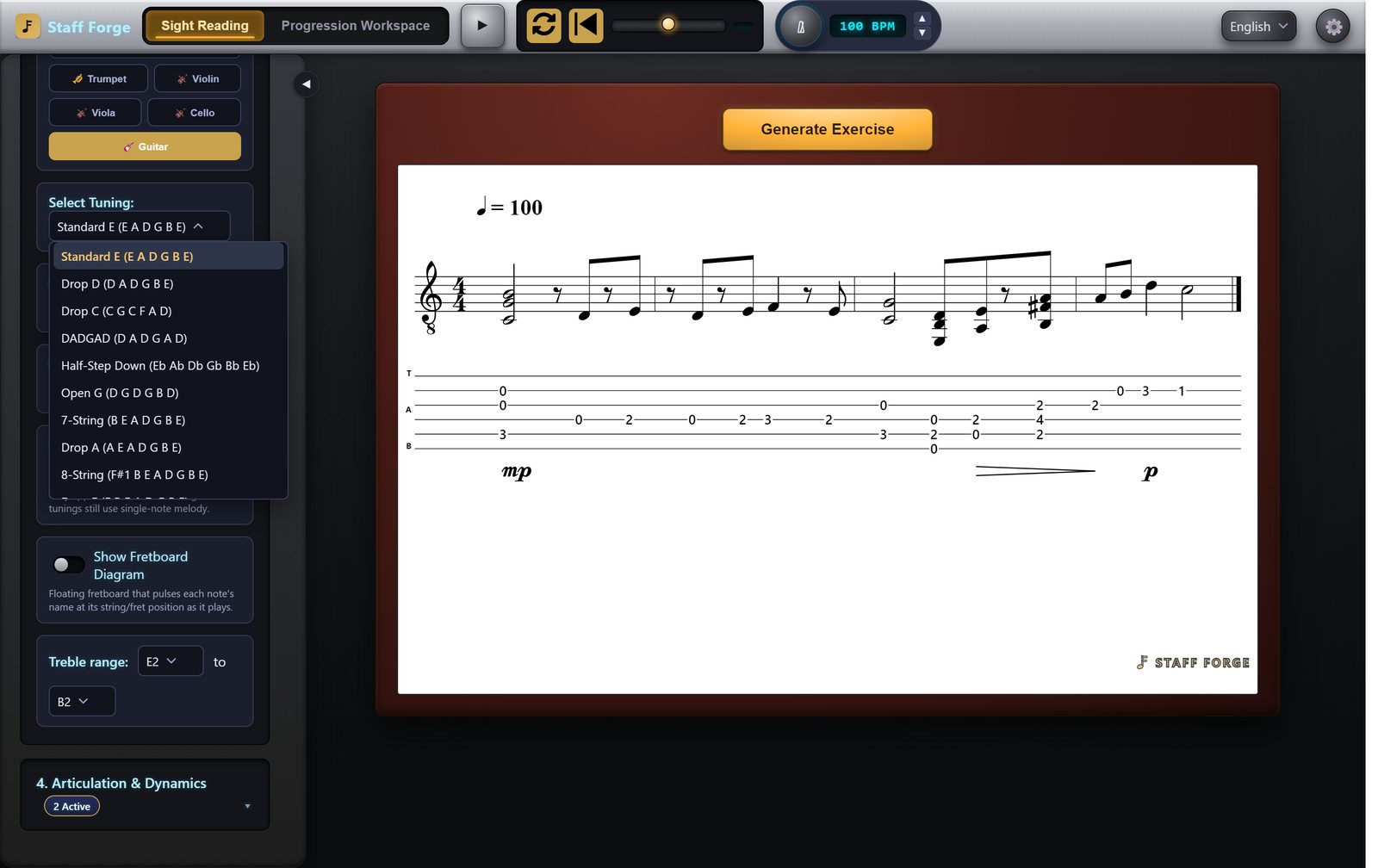
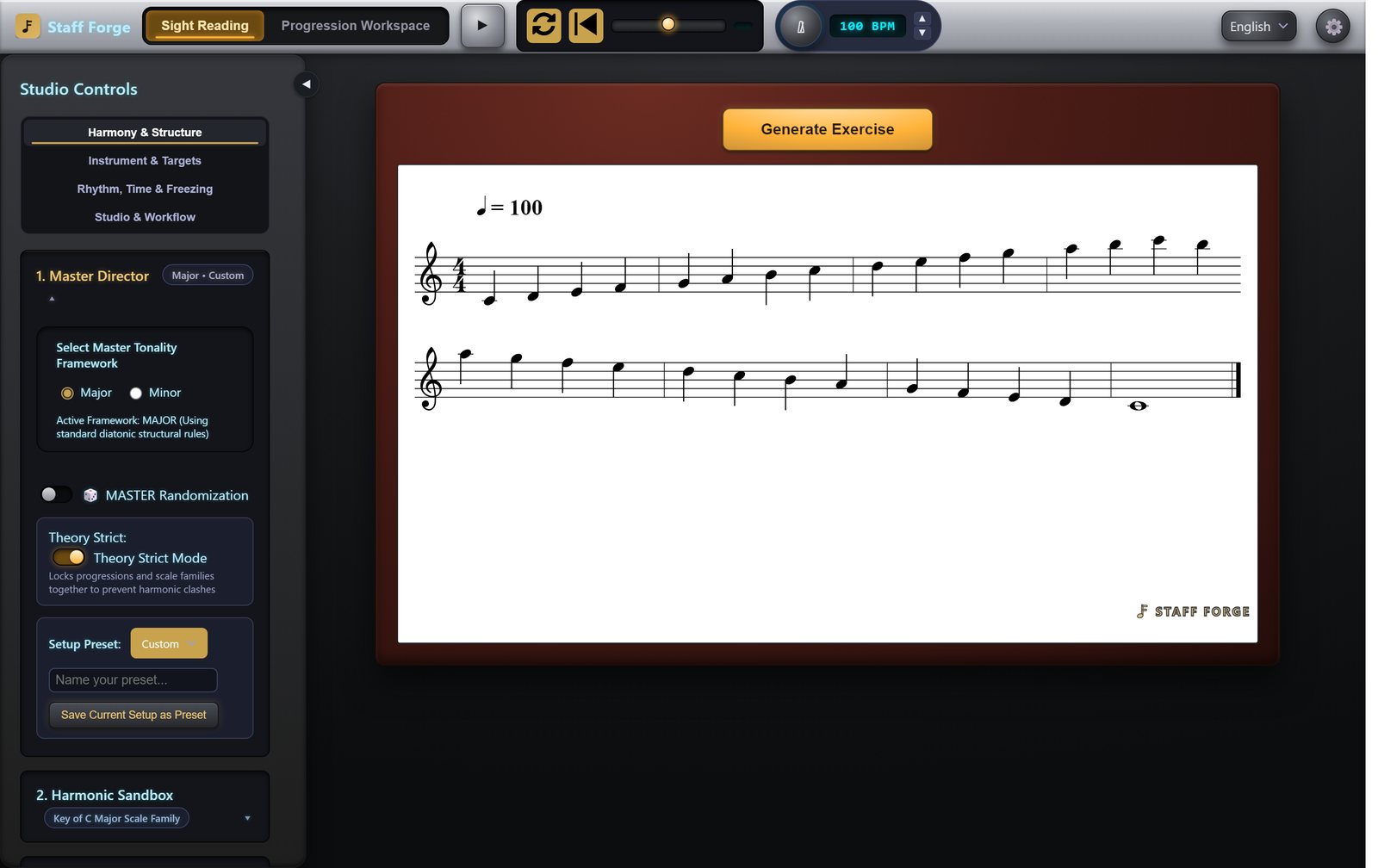
Get the full app — $40, lifetime access
This demo covers Whole/Half/Quarter notes in C Major & A Minor only. The full app unlocks every key, mode, and rhythm, plus PDF, MIDI, and MusicXML export. Pay once, keep it forever. No subscription, ever.
Install it like an app
No App Store needed. After purchase, open your Staff Forge link, enter the license key from your email, then:
iPad & iPhone
- Open the link in Safari.
- Tap the Share button (square with an arrow).
- Tap Add to Home Screen, then Add.
Mac
- Safari: File → Add to Dock (macOS Sonoma or later).
- Chrome: click the Install icon at the right end of the address bar.
Windows
- Open the link in Edge or Chrome.
- Click the Install icon at the right end of the address bar.
- Staff Forge appears in your Start menu.
Once installed and activated, it opens without an internet connection. Your key works on up to 2 devices.
Questions
What do I get for $40?
The full app: every major and minor key and mode, all note values and rhythms, piano, guitar, violin, viola, cello, and trumpet, chord-progression drills, playback with a metronome, and PDF, MIDI, and MusicXML export. Available in English, Español, 日本語, Deutsch, Français, and 한국어.
Is this a subscription?
No. You pay once. Future updates are included.
What does "lifetime access" mean?
You can use StaffForge for as long as the product exists, with no renewal fees. It's the life of the product, not a promise about your own lifetime.
How many devices can I use?
Two at a time, for example an iPad and a laptop. Switching devices? Open Settings and choose "Remove this device" to free up a spot.
Does it work on iPad?
Yes, in Safari, and you can add it to your Home Screen like an app. One limit: Safari doesn't support connecting a MIDI keyboard, so that feature works on Mac and Windows only.
Do I need internet?
Only to activate your key the first time. After that it opens and generates drills offline.
Is it on the App Store?
No. You install it straight from this site, so there's no app store in between. See "Install it like an app" above.
Can I get a refund?
All sales are final, so please try the free demo above first. If StaffForge won't run on your device, email support@staffforgemusic.com and we'll help.